I’ve used VS Code for a long time. It’s fast, reliable, and it works for almost everything. But lately, my work has changed. I’m building more Next.js sites, doing more automation, writing more scripts, and moving faster between ideas.
So I started switching from VS Code to Cursor.
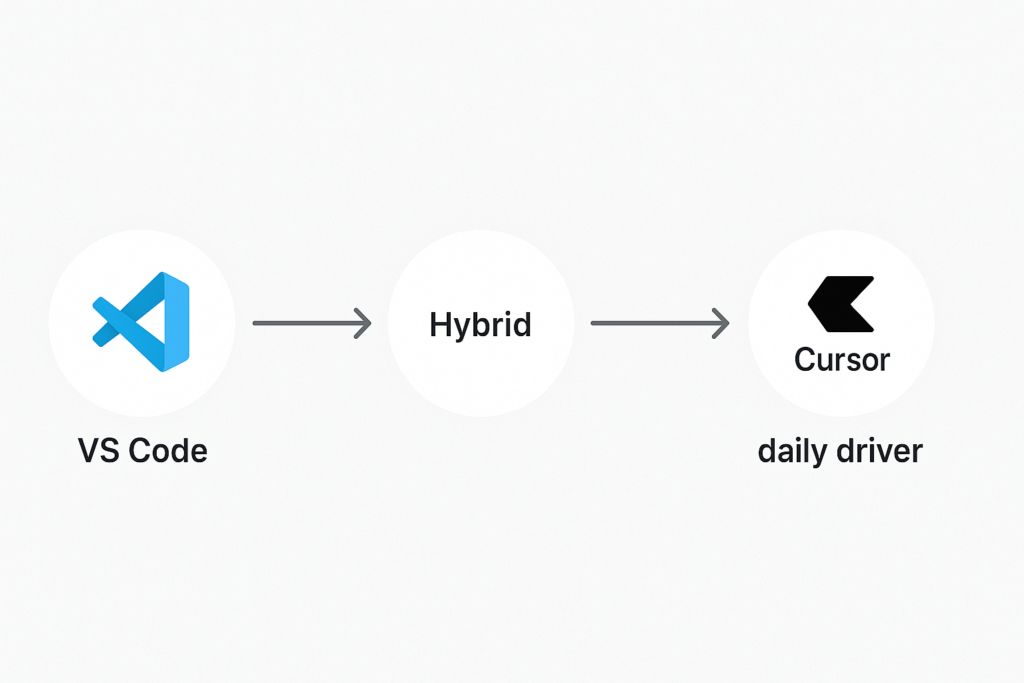
I’m not doing it overnight. I’m doing it the same way I migrate websites: slowly, step by step, until the new workflow feels natural.
Why I started looking beyond VS Code
VS Code is great, but a lot of my time goes into:
- reading large codebases
- copying patterns from one file to another
- writing the “first draft” of code
- debugging small issues
- refactoring and cleaning up messy code
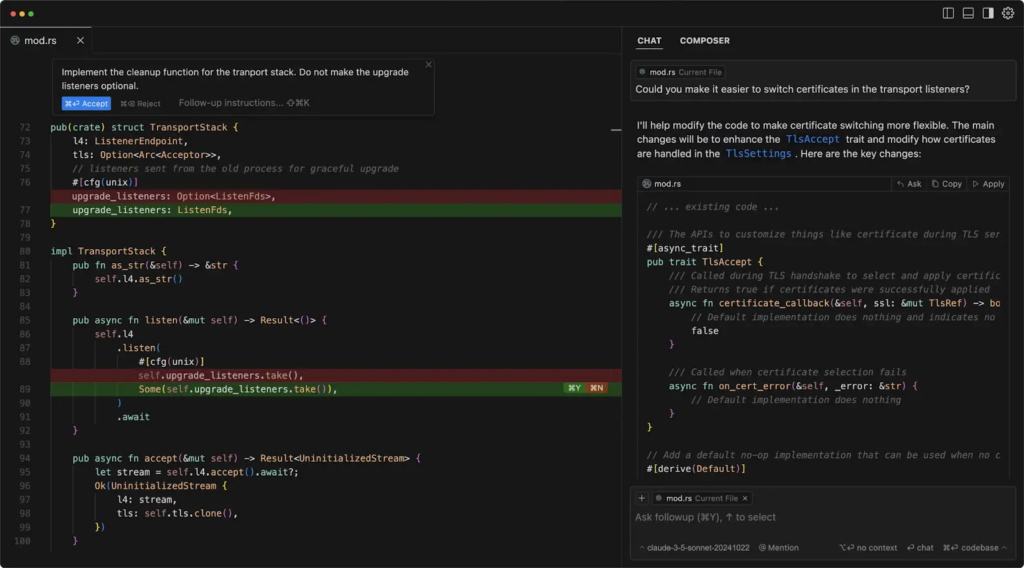
This is where Cursor caught my attention. It’s basically a coding editor built around AI assistance, so the editor feels more like a “coding partner” instead of just a text editor.
What feels better in Cursor (for my daily work)
Here’s what I notice right away when I use Cursor:
1) Faster first drafts
When I want a new page, component, or API route, Cursor helps me go from idea → working code much faster.
2) Easier refactoring
If I want to rename things, split a file, or reorganize a folder, Cursor makes that smoother because it understands context across files.
3) Debugging with context
Instead of me jumping between files and guessing, Cursor can explain what’s happening and suggest fixes based on the codebase.
How I’m switching (without breaking my workflow)
I’m keeping it simple:
- Same projects
- Same repo
- Same git workflow
- Same shortcuts (as much as possible)
What I’m changing is how I work inside the editor.
My approach:
- Use Cursor for new builds (landing pages, features, experiments)
- Keep VS Code for anything where I feel “muscle memory” matters
- Slowly move more work to Cursor as it proves itself
My practical Cursor workflow
This is what I do most days:
- Open project in Cursor
- Ask it to help build a component or page
- Run the app locally and test
- Ask Cursor to clean up / refactor
- Commit and push like normal
Cursor doesn’t replace my thinking. It just removes the boring parts: boilerplate, repetition, and slow debugging.
Where this is heading
I’m switching because I want to move faster without lowering quality.
My goal is:
- less copy-paste
- fewer “stuck moments”
- faster shipping
- cleaner code
VS Code helped me become consistent.
Cursor is helping me become faster.
Leave a Reply